
Already Have PDF Logbooks?
Great. That is the fastest path.
- Upload your scanned logbooks and supporting records
- We’ll review the files, estimate the work involved, and provide a quote before any work begins
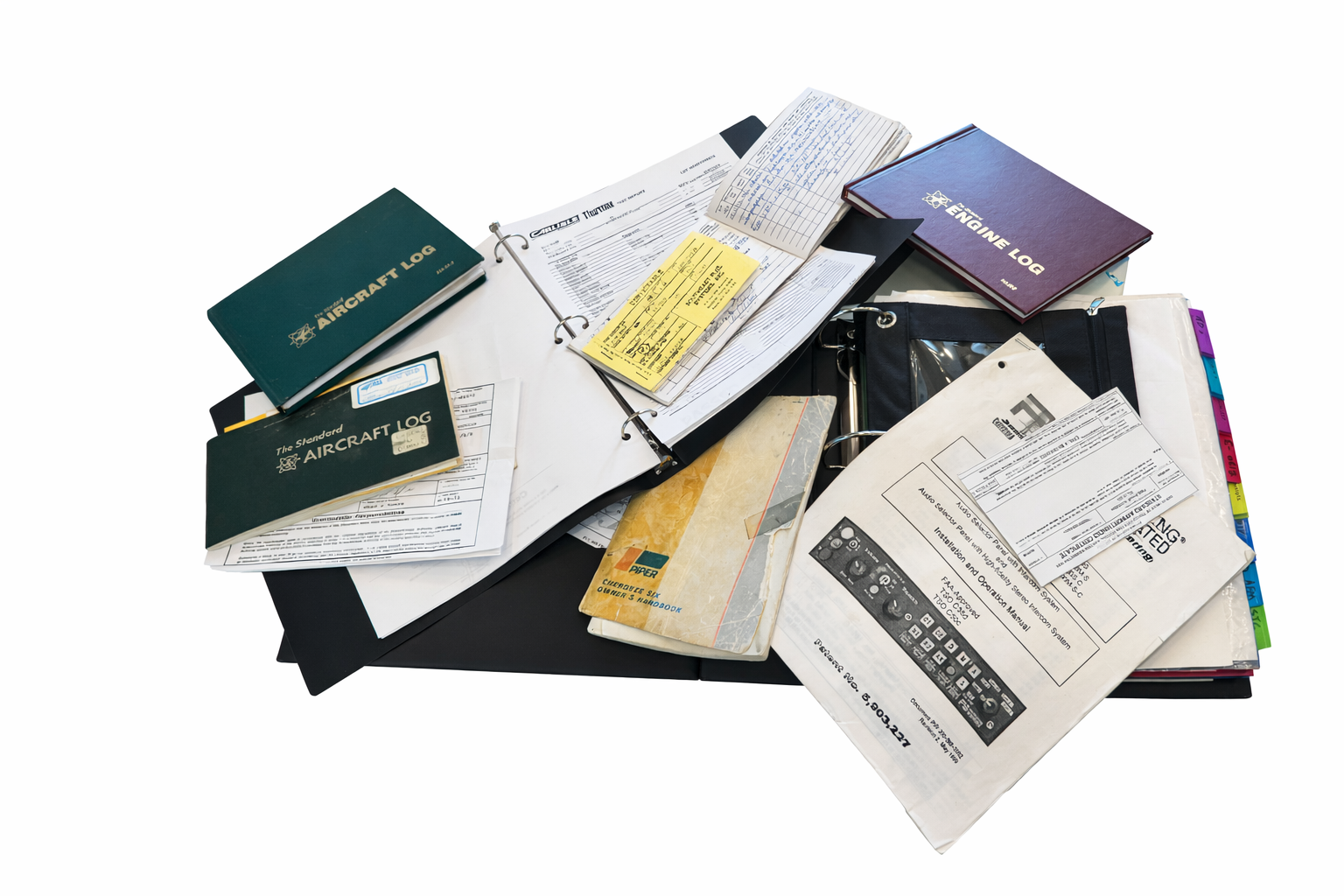
From three-ring binders to cardboard boxes, we've seen just about every record-keeping system aviation has invented.
We organize your logbooks, 337s, STCs, 8130-3s, AD records, invoices, and supporting paperwork into a searchable digital format.
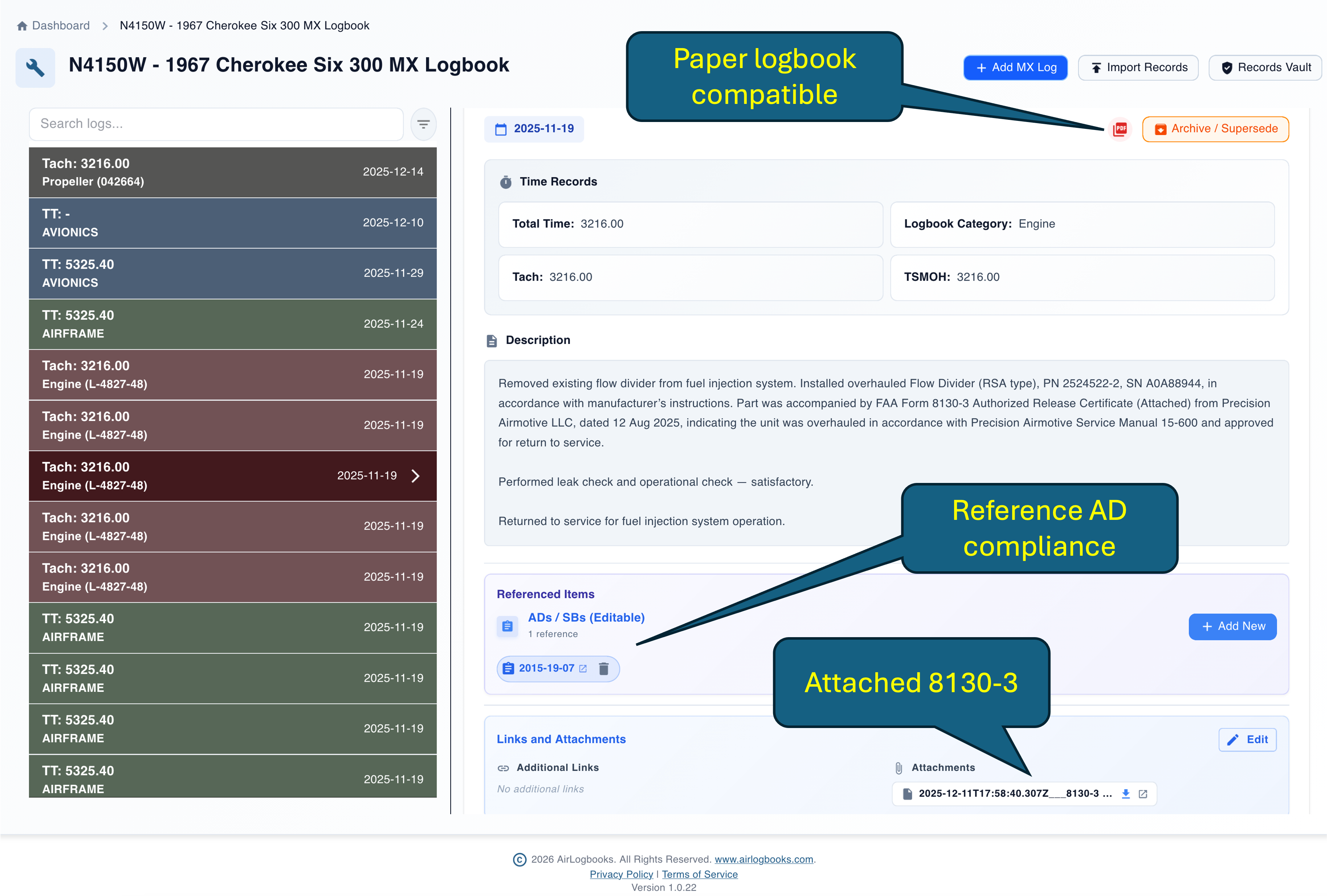
Watch how 70 years of aircraft logbooks can be turned into clean PDFs in less than 30 minutes.
No.
You can start using AirLogbooks today without digitizing your historical records.
Digitization becomes valuable when you want:
👉 In short: you can start simple—and upgrade when you’re ready.
Any scanning workflow that produces clean, readable PDFs can work. Adobe Scan is one of the easiest options, but it is not required. Keep pages flat, complete, in order, and readable for the best results.
Typically scanned aircraft logbook PDFs and supporting maintenance documents such as 337s, 8130-3s, invoices, and related records.
No. Wilbur helps with extraction, but this service still includes human review and validation before delivery.
Low-quality scans and difficult handwriting can affect what can be extracted. The process should preserve uncertainty rather than guess incorrectly.
You receive clean digital records. If you want help importing them into AirLogbooks, that can be included in your quote after we review the files.